When a business replaces computers, servers or storage systems, the old equipment often contains information that must be handled carefully. Customer records, project files, employee information and financial documents can remain on storage media long after the equipment is taken out of service.
For IT managers in Qatar, one practical question comes up during an equipment refresh: Should the organisation destroy its retired hard drives using its own equipment, or engage a specialist provider to handle the work?
There is no single answer for every organisation. The right approach depends on the type and quantity of media, the sensitivity of the data, available staff, operational controls and long-term procurement needs.
Start With the Media, Not the Machine
A decision about destruction equipment should begin with an inventory of the devices involved. Desktop hard drives, enterprise server drives, solid-state drives, USB storage and backup tapes are not interchangeable.
A device described as a hard drive shredder may accept some of these media but not others. Before requesting a quotation, confirm physical dimensions, interface types, construction and any restrictions in the manufacturer’s operating manual.
It is also important to decide whether storage media must be destroyed. Some working devices may be suitable for approved reuse after an appropriate and verified sanitization process. Physical destruction is a different decision and normally removes the possibility of reuse.
What In-House Hard Drive Destruction Means
Executing in-house destruction means the organisation acquires suitable equipment and performs the physical destruction process under its own procedures and supervision. The media can remain within the organisation’s controlled environment until the destruction step is complete.
This approach can be useful where retired drives are generated regularly, where controlled handling is important, or where a business has trained staff and the facilities required to operate the equipment safely.
However, purchasing a shredder does not by itself create a complete media destruction programme. The organisation remains responsible for operator training, media identification, safe equipment use, access controls, record keeping, maintenance and the handling of resulting material.
When Outsourcing May Be a Better Fit
An external specialist may be appropriate when media retirement is occasional, when an organisation does not have staff to operate destruction equipment, or when the work involves logistics and disposal services that are outside the IT team’s normal responsibilities.
The organisation should assess the provider’s procedures rather than relying only on a claim of secure or certified destruction. Useful questions include who takes custody of the drives, where processing occurs, what happens if a device cannot be processed, which records will be supplied and how the final waste stream is handled.
Outsourcing does not remove the need for oversight. Procurement, security and compliance teams should still agree on the required outcome and check the evidence provided after the work.
In-House and Outsourced Destruction: The Key Differences
The main difference is operational responsibility. With in-house destruction, the organisation controls its equipment, staff and day-to-day workflow. With outsourcing, part of the workflow is performed by a third party under agreed terms.
An in-house model may offer greater scheduling flexibility for regularly retired media, but it requires equipment investment, physical space, ongoing maintenance and a safe working process. An outsourced model can reduce the need to own and operate machinery, but it introduces supplier oversight, transfer arrangements and recurring service costs.
Neither model automatically meets a particular security standard or legal requirement. The effectiveness of either approach depends on the selected method, the media involved and the organisation’s procedures.
Understand the Difference Between HDDs and SSDs
Magnetic hard disk drives and flash-based solid-state drives require different technical consideration. Degaussing applies to suitable magnetic media; it is not a sanitization method for SSDs or USB flash storage.
Physical shredding may be relevant to either category if the equipment is approved for that specific type of media. A purchaser should not assume that a machine capable of processing 3.5-inch office HDDs also accepts enterprise-class server disks or every type of SSD.
NIST SP 800-88 Revision 2 describes a programme-based approach to media sanitization. It helps organisations establish appropriate procedures based on media and information sensitivity, but it should not be interpreted as a blanket approval for any particular shredder or particle size.
Where the ProDevice OMS500 Fits
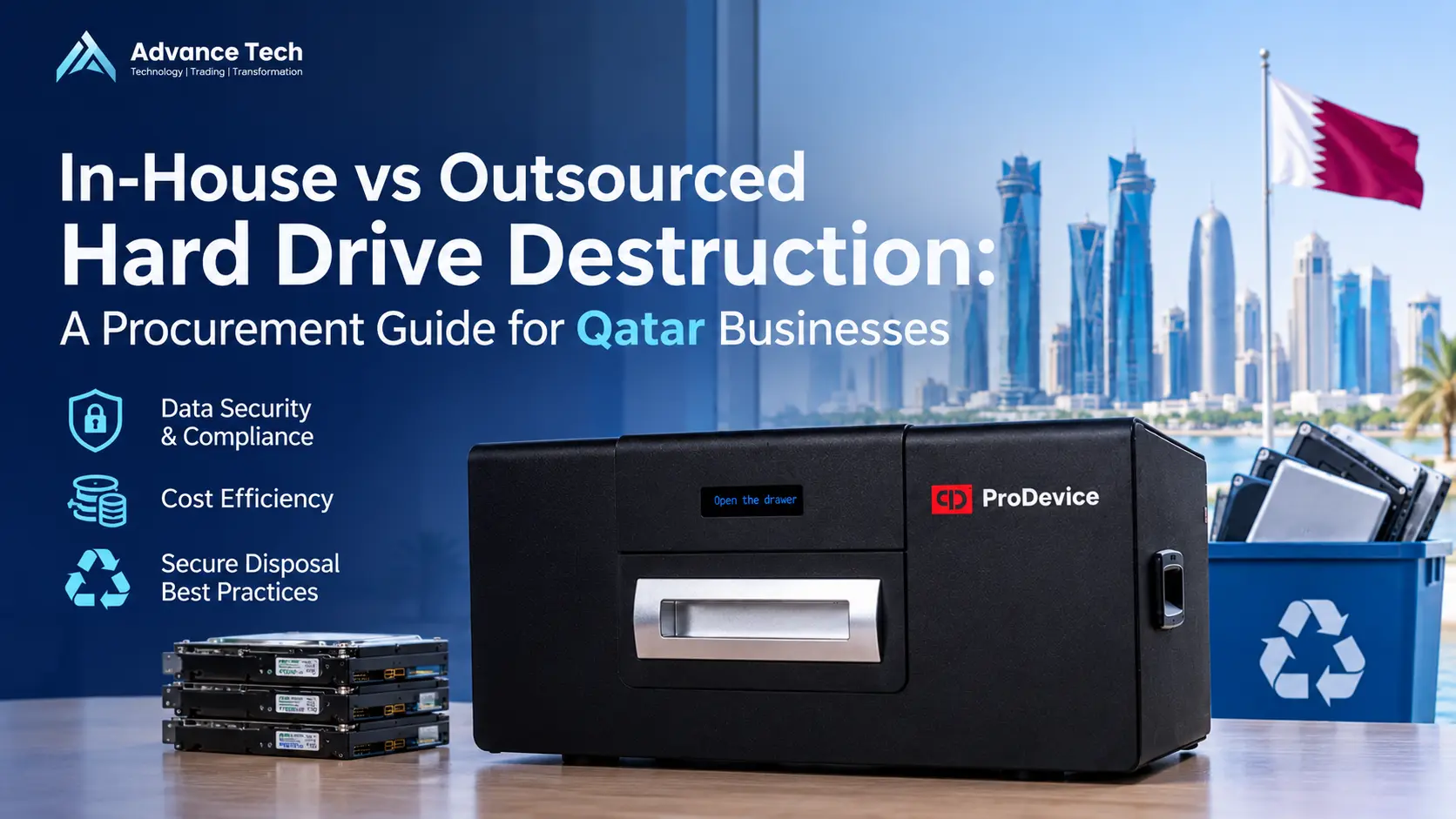
The ProDevice OMS500 is an office-oriented media shredder. The manufacturer lists supported categories including certain 2.5-inch and 3.5-inch hard drives, SSDs, flash media, optical discs and tapes, subject to model configuration, entry dimensions and manual restrictions.
The manufacturer explicitly states that the OMS500 is not intended for server disks and directs buyers toward other equipment in the OMS range for those requirements. Its operating manual also distinguishes between the media accepted by its different input openings.
For a Qatar organisation handling office computers and a mix of compatible removable media, the OMS500 may be a product worth evaluating. It should not be specified for an enterprise server-drive refresh without confirming another suitable model. Exact media compatibility, duty cycle, reporting functions and available configuration must be checked against the current manufacturer documentation before purchasing.
What About Server Drives and Large Data Centre Projects?
A comprehensive data centre refresh may include enterprise-class HDDs, SSDs, backup tapes and storage modules from several hardware generations. These projects need a more detailed compatibility review than a routine office workstation replacement.
Before selecting equipment, list the actual media types and dimensions, including any enterprise or server-class drives. Ask the supplier for confirmation against the manufacturer’s latest manual, rather than selecting a machine based on its product family name alone.
The number of drives also matters, but nominal machine capacity is only one consideration. Controlled collection, identification, operator availability, safety procedures and the recording of completed work can all affect the overall project.
Records, Accountability and Chain of Custody
Whether destruction happens in-house or through an external provider, organisations benefit from maintaining an accurate media register. Each device should have an identifier, a recorded custodian and a clear disposition decision.
A practical record can include the asset or serial number, device type, date, selected method, operator or provider, outcome and any exceptions. If software or an app produces a report, confirm exactly what information is captured and how the record can be retained.
Equipment reporting features should not be mistaken for a complete legal compliance programme. Reporting must be combined with approved policies, access control and an accountable operational process.
Questions to Ask Before Buying Destruction Equipment
A useful procurement request starts with the business requirement rather than a preferred product name:
- Verify Exact Media Coverage: Ask the supplier to identify the supported media and excluded formats for the exact model.
- Review Technical Manuals: Request the current technical datasheet, operating manual, details of operator safety requirements, and service arrangements.
- Assess Operational Demands: If the project includes server disks, mixed media, or high-volume operation, ask the supplier to explain why the proposed configuration is appropriate.
- Clarify Logistics: Confirm delivery lead times, consumable requirements, warranty conditions, and installation/training support.
A Practical Decision for Qatar Procurement Teams
In-house destruction can make sense for organisations that repeatedly retire compatible media and are prepared to manage the equipment and procedures themselves. Outsourcing can make sense when destruction is occasional or the organisation prefers a qualified service provider to perform the work.
The most important step is to match the chosen approach to the actual storage media and the organisation’s risk and operational requirements. A sound decision considers security, safety, accountability and total operating effort, not just the purchase price of a machine.
ProDevice Equipment Supply Through Advance Tech
Advance Tech Trading & Contracting W.L.L. supplies ProDevice media destruction and data security products to businesses, institutions and procurement teams in Qatar on a B2B, order-by-order basis.
We can review your media types, approximate quantities and technical specifications to help identify appropriate equipment options for a quotation. Advance Tech does not advertise ProDevice equipment rental in Qatar, and product availability and lead times are confirmed when an enquiry is evaluated.
If you are planning a workstation replacement programme or data centre refresh, send your media inventory and procurement requirements to Advance Tech to request a suitable ProDevice equipment quotation.
Frequently Asked Questions
Is owning a hard drive shredder always more secure than outsourcing?
No. Security depends on the complete handling and destruction process. In-house operation offers direct control, while a properly assessed service provider may also meet an organisation’s requirements.
Can the ProDevice OMS500 shred server hard drives?
The manufacturer says the OMS500 is not designed for server disks. Buyers should confirm an alternative model suitable for their exact enterprise media.
Can SSDs be destroyed using a magnetic degausser?
No. Degaussing acts on magnetic media and does not sanitize data stored in flash memory. SSDs require a suitable sanitization or destruction method.
Does buying a shredder automatically provide regulatory compliance?
No. Equipment is one part of a media sanitization programme. The organisation must also address its policies, handling procedures, verification and applicable legal or contractual requirements.
How can a business request ProDevice equipment in Qatar?
Share your media types, quantities, intended application, and any technical specifications. You can directly contact Advance Tech to review suitable equipment options and receive a customized B2B quotation.