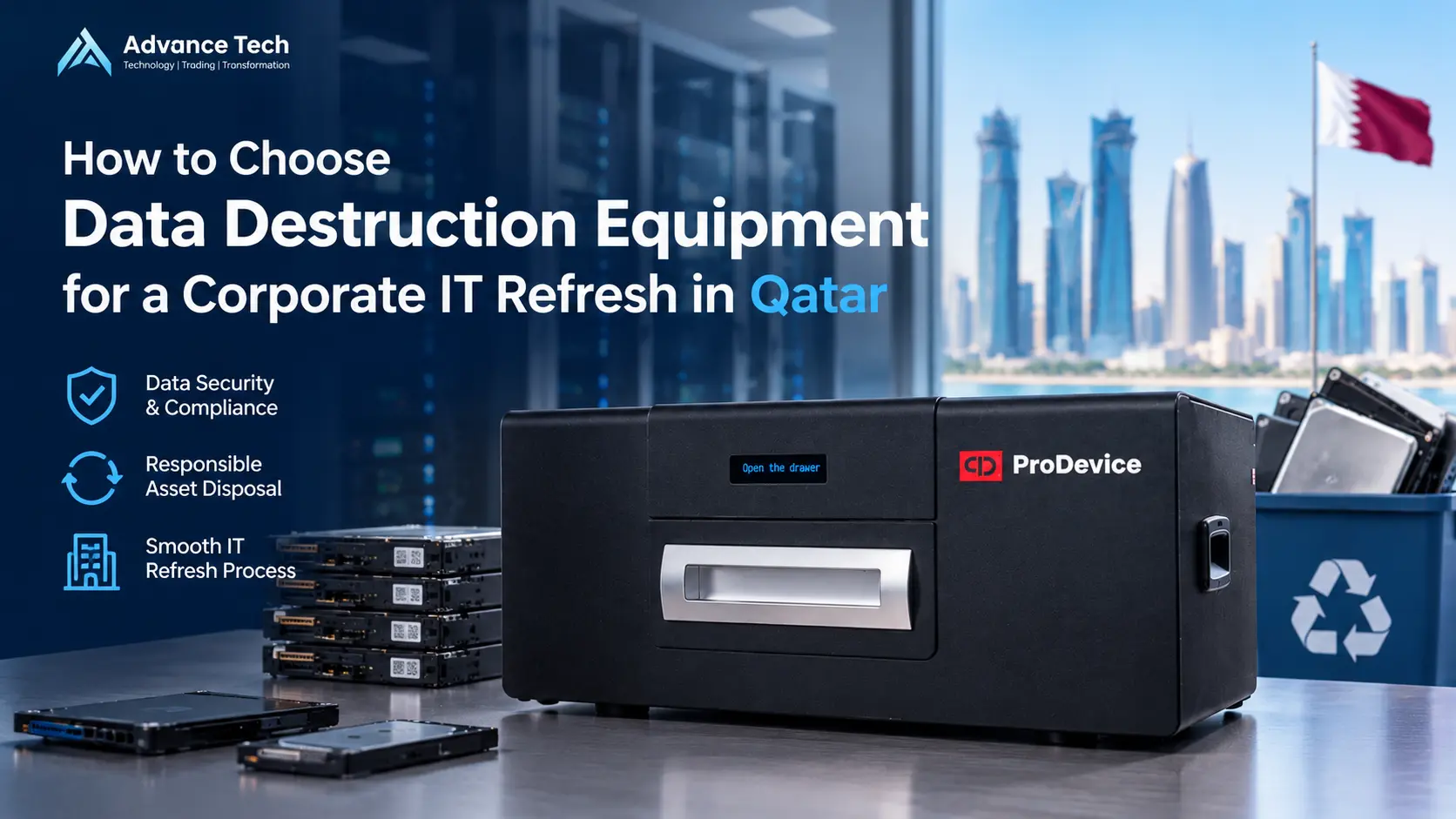
A corporate IT refresh often begins with a straightforward objective: replace ageing computers, improve performance and reduce support issues. The difficult questions tend to appear later, when the project team must decide what to do with the data stored on retired laptops, desktops, servers and removable media.
A mixed batch of devices rarely calls for one universal destruction machine. A hard disk drive, an SSD, a USB drive and a backup tape may need different handling. Some media can be safely sanitized for approved reuse, while other devices must be physically destroyed. Choosing equipment before understanding this mix can lead to unsuitable purchases, delays and gaps in the disposal process.
For businesses, public institutions and project procurement teams in Qatar, a better starting point is a media inventory and a documented sanitization policy. The equipment can then be selected to fit the work rather than forcing the work to fit a machine.
Start with a Media Inventory, Not a Product Catalogue
Before requesting quotations, estimate how many devices the refresh will retire and identify the storage inside each one. Separate 2.5-inch and 3.5-inch HDDs, server drives, SATA and NVMe SSDs, USB drives, memory cards, optical discs and magnetic data tapes. Include devices that are damaged, encrypted or cannot be powered on.
Do not assume that a complete laptop or server can be placed in a shredder. Many media destruction machines accept storage devices only, and each model has size, material and safety restrictions. Record whether batteries and other components will be removed before destruction, following the manufacturer’s instructions.
A useful inventory records the asset ID, media type, approximate quantity, operating condition, confidentiality classification, intended disposition and responsible department. Even an estimated first list makes vendor discussions more productive.
Decide Which Devices Will Be Reused and Which Must Be Destroyed
Physical destruction is not the only possible outcome of a hardware refresh. If an approved device will be reassigned internally or transferred for reuse, a supported sanitization process may allow it to remain functional. For devices that cannot be reliably sanitized or have no intended reuse, physical destruction may be the appropriate choice.
NIST SP 800-88 Revision 2 describes a media sanitization programme built around risk, appropriate methods and validation. The choice of Clear, Purge or Destroy should reflect the type of media, the sensitivity of the information and the organisation’s policy. Following a product brochure alone is not a substitute for that decision.
Software-based Erasure for Approved Reuse
ProDevice DWS is intended for controlled data erasure on supported storage devices. The manufacturer lists internal and external HDDs, SSDs and several removable media types. Its published features include overwrite procedures and erasure verification. Before purchasing, an IT team should verify the exact device interfaces, sanitization method, reporting needs and licensing model for its environment.
An SSD must not be treated automatically like a magnetic HDD. Internal flash-memory management can affect which erasure procedures are appropriate. A device-supported sanitization method and a documented validation step are important when a working SSD is intended for reuse.
Physical Destruction for Media Leaving Service
For drives that are no longer needed or cannot be reliably sanitized, physical destruction may be selected. The target material and machine compatibility matter more than a general label such as secure shredder. A purchasing specification should explicitly name each media type and the required destruction outcome.
Match ProDevice Equipment to the Media
ProDevice OMS130 for Selected Flash and Office Media
The OMS130 is a compact shredder designed for selected flash and office media, including supported SSDs, USB drives, memory cards and optical discs. According to the manufacturer, it is not designed for HDDs or server drives. It should not be selected for a refresh project dominated by traditional magnetic hard drives.
ProDevice OMS500 for Conventional HDDs and Other Supported Media
The OMS500 covers a broader range that includes supported 2.5-inch and 3.5-inch HDDs, SSDs, magnetic tapes and smaller removable media. Its manufacturer page specifically says it is not suitable for server disks. A company replacing employee PCs should therefore assess OMS500 against the actual drive dimensions, but should not assume it will handle a server refresh as well.
ProDevice OMS900 for Server Drives and Mixed Media
The OMS900 is designed for a wider set of media that includes server disks alongside conventional HDDs, SSDs, tapes and removable storage. For data centre or mixed enterprise projects, this may be a more relevant category. However, individual model variants, accepted material, installation requirements and operating limitations still need to be checked against the current manual and proposed configuration.
Degaussers and Other Destruction Methods
Degaussing is relevant to appropriate magnetic media, not to flash storage such as SSDs and USB drives. Some projects may also require other specialist destruction approaches. The decision should follow the organisation’s approved sanitization method and the media actually being processed.
Compare Equipment Using Practical Procurement Criteria
1. Media Compatibility
Ask the supplier for an exact accepted-media list, including sizes and exclusions. Labels such as HDD shredder or SSD destroyer are not enough. Check server drives, drive caddies, optical discs, tapes and any unusual storage types separately.
2. Capacity and Operating Workflow
Estimate the number of units requiring processing and how frequently the equipment will be used. A one-off refresh and an ongoing decommissioning programme can justify different equipment. Request realistic capacity information for your specific media rather than relying on a headline throughput figure.
3. Site Readiness and Safety
Evaluate installation space, power supply, ventilation, operator training, safety controls and the safe handling of separated components. Batteries in phones or tablets require particular attention, and must be treated according to the relevant machine instructions. Large machines may need a specific electrical supply and suitable working area.
4. Verification and Records
A reliable workflow should identify what was processed, who authorised the work and what result was achieved. Ask what reporting features are included with the exact model or software configuration. Do not assume every machine automatically produces a tamper-proof certificate or a compliance report.
5. Service, Consumables and Total Cost
Compare more than equipment price. Training, maintenance, cutter servicing, transport, disposal of shredded material and any applicable software licences can affect the total cost. For equipment purchased against a government or corporate purchase order, ask for the technical datasheet and the required warranty and support terms.
Build a Clear Destruction Workflow Before Delivery
The process should begin with authorised collection and an asset register. Media waiting for erasure or destruction should be stored securely with clear separation between processed and unprocessed items. Operators should follow documented handling and safety procedures, and results should be reconciled against the inventory.
Where electronics or residues require recycling or disposal, use an appropriately qualified downstream provider. Buying destruction equipment does not by itself establish permission to collect or process every category of waste, and a device specification alone does not prove legal compliance.
What to Include in a Request for Quotation
A useful RFQ can be short but specific. Include the number and types of drives, whether server media is involved, expected processing frequency, destination of the destroyed material and required record-keeping. Identify whether the equipment will be used in a fixed facility or moved between approved sites.
Ask prospective suppliers to identify the proposed model and part number, excluded media, power requirements, relevant documentation, operating and safety instructions, supported reporting functions, warranty and delivery conditions. This reduces the risk of selecting a machine that looks appropriate online but cannot process your actual media.
ProDevice Equipment Supply Through Advance Tech in Qatar
Advance Tech Trading & Contracting W.L.L. supports B2B procurement of ProDevice data erasure and media destruction solutions for companies and institutions in Qatar. Equipment and software are supplied on an order-by-order basis, with the model and configuration selected against the customer’s technical requirements.
Our engineering team coordinates turnkey deployments alongside broader enterprise system integration initiatives. We do not advertise rental equipment or claim that every configuration is available as ready stock. Final specifications and delivery terms are confirmed for each order.
Frequently Asked Questions
Can one shredder process every HDD, SSD and backup tape?
No. Accepted media vary by machine. For example, the OMS130 excludes HDDs, and the OMS500 manufacturer page excludes server disks. Confirm the exact machine and media before ordering.
Does degaussing work on SSDs?
No. Degaussing is a technique for appropriate magnetic storage media and is not a substitute for sanitizing flash-based SSDs.
Should working drives always be destroyed during a refresh?
Not necessarily. Where organisational policy permits and an appropriate sanitization method can be completed and validated, reuse may be considered. Devices that cannot be reliably sanitized may need destruction.
Does the equipment automatically certify compliance with Qatar regulations?
No. Equipment is one part of a controlled process. Legal requirements, operating procedures, records and any necessary approvals must be assessed separately.
What details should we send for a quotation?
Send the media types and quantities, whether server drives are involved, required processing capacity, site conditions, reporting expectations and any technical or procurement specifications.
Request a ProDevice Equipment Quotation
Planning an office technology replacement or a larger corporate IT refresh in Qatar? Share your storage inventory and expected processing requirements with Advance Tech. We can help shortlist suitable ProDevice equipment and software for a B2B quotation based on the media you need to sanitize or destroy.
You can directly contact Advance Tech today to discuss your technical requirements and request a quotation.