Replacing servers is an opportunity to improve performance, consolidate infrastructure and reduce operating costs. It also creates a practical security challenge. Every retired server may contain drives with business records, application data, backups, configuration files or information belonging to customers. When those drives leave the data centre, the organisation still has a responsibility to control what happens to the information stored on them.
A sound disposal plan begins well before a rack is switched off. IT and procurement teams need to identify the storage media, decide which devices may be reused and arrange a suitable sanitization or destruction process. This guide explains how Qatar organisations can plan the process and select equipment for physical destruction when reuse is not intended.
Begin with a Storage Inventory
The first step is to understand exactly what is being removed. A server inventory alone is insufficient because one server may contain multiple drives, different interfaces and removable media. Record the asset owner, server identifier, storage type, capacity, physical form factor and intended disposition. Include drives removed during earlier maintenance, spare disks held in cabinets and media stored outside the rack.
Map drives to their parent systems and the applicable data classification before dismantling equipment. If a storage system uses RAID, remember that taking a drive out of the array does not in itself sanitize its contents. An inventory helps the team estimate equipment needs and prevents unidentified drives from being overlooked.
Decide Which Drives Will Be Reused and Which Will Be Destroyed
Not every retired drive needs physical destruction. Some functional devices can be reused when the organisation’s approved sanitization method has been completed and validated. Others may be subject to a policy requiring destruction, especially if the media is defective or cannot be accessed reliably.
Establish a documented decision for each category before work begins. Consider information sensitivity, contracts, retention obligations, physical condition and future ownership. If the team cannot establish that a sanitization operation succeeded, the device should remain in controlled custody until an approved alternative is carried out.
Understand the Difference Between HDDs and SSDs
Hard disk drives store information magnetically, while solid-state drives use flash memory and internal controllers. This difference matters when selecting a sanitization or destruction process. An approach appropriate for a magnetic HDD should not automatically be applied to an SSD.
For working SSDs being considered for reuse, the organisation should review device-supported sanitization capabilities and relevant technical standards. Traditional magnetic degaussing is not an appropriate way to erase flash-based SSD data. When a device is marked for physical destruction, check that the selected machine accepts its precise form factor and construction, including any caddy or mounting hardware.
Control the Chain of Custody During Replacement
A drive can go missing during a busy refresh if there is no clear handover process. Use an assigned holding area and restrict access to authorised staff. Label collection containers by project or equipment group, and record every movement from server removal through processing.
A practical chain-of-custody register can include the device serial number, collection date, responsible employee, storage location, selected method and final result. Where serial numbers cannot be read, use a controlled alternative identifier and document the exception. Chain-of-custody records are important whether the process is performed internally or by an external service provider.
Choose a Destruction Machine That Actually Supports Server Drives
Server drives can differ from ordinary desktop disks in their casing, carriers and dimensions. Selection should therefore begin with the manufacturer’s supported-media list rather than a generic description such as hard drive shredder.
For example, the manufacturer expressly states that the ProDevice OMS500 is not intended for server disks. ProDevice identifies the OMS900 as suitable for server disks alongside supported 2.5-inch and 3.5-inch HDDs and other listed media. Its industrial DGX03 also lists server drives among the supported media. The machine, operating manual and exact configuration should still be checked against the customer’s real media inventory.
ProDevice OMS900 for Server-Drive Destruction
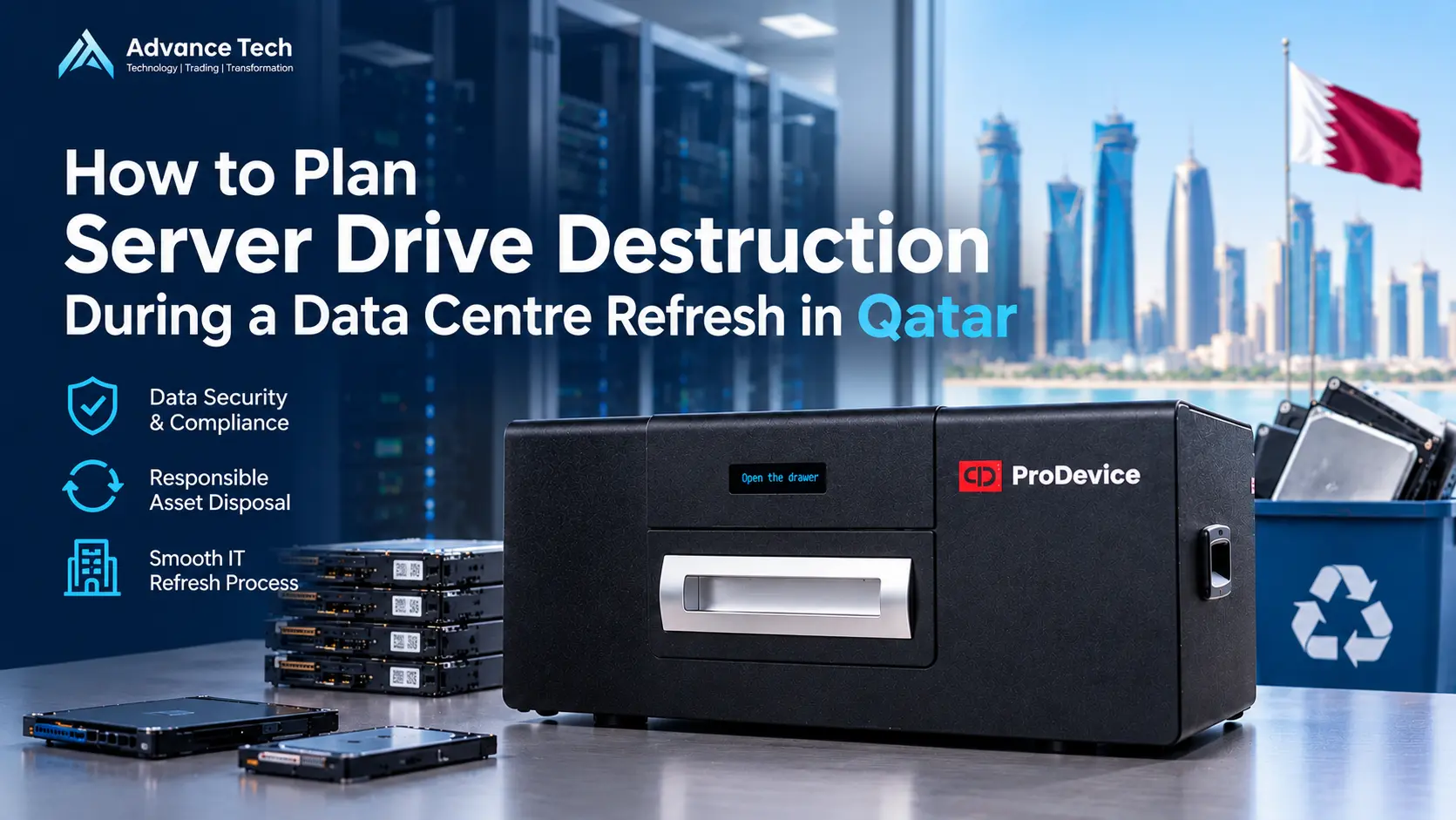
The ProDevice OMS900 is an automatic media shredder designed to accept server disks and other supported data carriers. The manufacturer’s published specifications list a 3.75 kW motor and three-phase power requirements. This means facilities planning is part of the procurement decision, not an afterthought.
Before selection, confirm whether the proposed installation has the correct electrical supply, suitable floor loading, delivery access, operating space and safe material handling arrangements. The product is a substantial industrial machine, and published dimensions and weights should be checked in the current manufacturer documentation and quotation.
The manufacturer distinguishes BASIC and PROFESSIONAL variants. Its product page lists an integrated recording system in the PROFESSIONAL version. Do not assume a particular recording or reporting feature is included in every quoted configuration.
When a Higher-Capacity Industrial Solution May Be Appropriate
A larger data centre refresh may produce a substantial number of drives over a short maintenance window. In this scenario, teams may compare the OMS900 with the ProDevice DGX03. The DGX03 is described by the manufacturer as an industrial media shredder that accepts server drives and multiple storage-media categories.
A machine’s advertised maximum throughput should not be treated as guaranteed site performance. Real processing time depends on media characteristics, sorting, identification, operator workflow, safety checks and how the destroyed material is handled. Ask the supplier to confirm the suitable model and operating conditions for the intended workload.
Check Installation and Operator Requirements
The procurement assessment should include electrical requirements, floor capacity, access routes, ventilation arrangements, noise, operator training, safety procedures and removal of destruction debris. Some equipment uses a three-phase electrical supply, which may not be available in every office or equipment room.
Operators must follow the current machine instructions and media restrictions. Batteries and other prohibited components require special attention. Do not feed devices into a shredder simply because they fit through the entry. The manufacturer’s permitted-media list and safety procedures determine what can be processed.
Plan Documentation and Verification
Destruction should be supported by a consistent record of which drives were processed and when. Establish the evidence requirements before buying a machine. These may include an asset log, operator sign-off, photographs or video where approved, and batch-level reconciliation between the original inventory and processed media.
Manufacturer-provided scanning and reporting tools can help with administration, but reporting capabilities must be confirmed for the exact device, software and quoted configuration. Avoid treating the presence of a machine or automatically generated report as proof that an entire project meets every legal or contractual requirement.
Use Recognised Sanitization Guidance Appropriately
NIST SP 800-88 Revision 2, published in September 2025, provides guidance on establishing an enterprise media sanitization programme. It emphasises selecting suitable methods, validating outcomes and managing the process according to information sensitivity and organisational controls.
The publication does not mean that every organisation must purchase a specific branded shredder. Nor should any single manufacturer’s marketing statement be presented as a blanket guarantee of compliance with Qatar legislation, sector rules or customer contracts. Those requirements must be assessed separately.
A Workable Refresh-Day Process
Agree the schedule with IT operations, security and procurement before equipment leaves production. First confirm that any required data migration, retention and backup activities have been completed. Next remove media under authorised supervision and reconcile it against the storage inventory. Separate reusable, failed and destroy-designated drives.
Move drives to the controlled holding area, carry out the approved sanitization or destruction method, then reconcile processing records against the original register. Escalate missing, unreadable or unprocessed items rather than quietly marking them complete. Finally arrange suitable handling of the resulting material under the organisation’s environmental and disposal arrangements.
Questions Procurement Teams Should Ask Suppliers
Before issuing an RFQ, provide the estimated drive count, form factors, approximate mix of HDDs and SSDs, any server-drive carriers, required destruction window and proposed site conditions:
- Media Support Matrix: Ask for the supported-media matrix, current product brochure, exact model and variant.
- Facility Pre-requisites: Clarify electrical load, ventilation needs, and floor space constraints.
- Training & Safety: Determine operator training requirements and manufacturer-approved safety protocols.
- Maintenance & Lead Times: Confirm consumable availability, warranty support, and delivery schedules on an order-by-order basis.
ProDevice Equipment Supply Through Advance Tech in Qatar
Advance Tech Trading & Contracting W.L.L. supports corporate and institutional customers in Qatar with B2B procurement of ProDevice media destruction equipment. Projects may involve data centre upgrades, replacement of enterprise storage, infrastructure renewals, or broader turnkey system integration initiatives.
Our team can review the intended application and coordinate a product quotation based on the required media, selected model and technical configuration. Equipment is supplied order by order. Advance Tech does not advertise ProDevice equipment rental in Qatar, and customers should confirm availability and lead time through a formal RFQ.
Frequently Asked Questions
Can an ordinary office shredder destroy server disks?
Not necessarily. The ProDevice OMS500 page expressly excludes server disks; the OMS900 and DGX03 are listed by the manufacturer as supporting them.
Does degaussing work on SSDs?
No. Degaussing is a magnetic-media method and does not sanitize flash-based SSDs.
Do all drives need to be physically destroyed?
No. The correct decision depends on policy, information sensitivity, media type, device condition and approved reuse plans.
Does a shredder create a complete compliance record automatically?
Not by itself. Organisations need suitable controls, documentation and validation. Features depend on the selected equipment and configuration.